Best رودخانه in روسیه
Watch live streaming رودخانه cameras across روسیه. Enjoy the best real-time views available online.
Latest Cameras
24 streams found

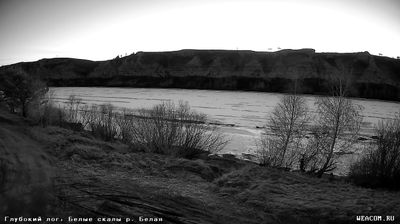
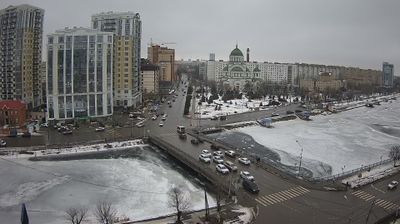
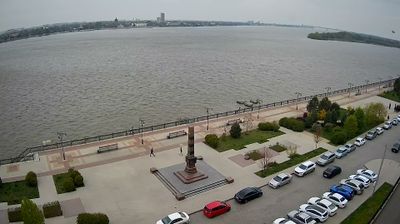
Discover رودخانه in روسیه
Whether you're checking conditions for a weekend getaway or just enjoying the view, our collection of رودخانه webcams in روسیه offers the best real-time experience available online. Stay updated with live weather changes and crowd activity.

About روسیه
روسیه با نام رسمی فدراسیون روسیه که در روسیه آر. اف (Рф) نیز خطاب میشود، پهناورترین کشور جهان است که در شمال اوراسیا قرار دارد. مسکو، بزرگترین کلانشهر و بزرگترین شهر اروپا، پایتخت روسیه است. این کشور فراقارهای در آسیای شمالی و اروپای شرقی واقع است و با اقیانوس آرام شمالی، اقیانوس منجمد شمالی، دریای خزر، دریای سیاه، و دریای بالتیک مرز آبی دارد. روسیه با ۱۴ کشور آسیایی و اروپایی از جمله نروژ و فنلاند از شمال، کره شمالی، چین، مغولستان، آذربایجان، قزاقستان و گرجستان از جنوب و اوکراین، بلاروس، لتونی، استونی از غرب و با لهستان و لیتوانی از طریق منطقه برون بومی کالینینگراد مرز زمینی، و با کشورهای پیرامون دریای برینگ، دریای ژاپن، دریای خزر، دریای سیاه، و دریای بالتیک مرز آبی دارد. درازای کشور روسیه از تنگه برینگ تا برون بوم کالینینگراد؛ بهطور تقریبی ۵۰۰۰ کیلومتر است.
📖 Read more on Wikipedia