Best فرودگاه in زیمبابوه
Watch live streaming فرودگاه cameras across زیمبابوه. Enjoy the best real-time views available online.
Latest Cameras
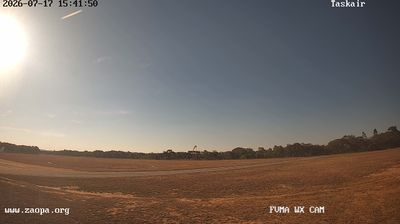
2 streams found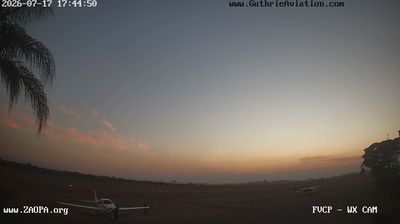

Discover فرودگاه in زیمبابوه
Whether you're checking conditions for a weekend getaway or just enjoying the view, our collection of فرودگاه webcams in زیمبابوه offers the best real-time experience available online. Stay updated with live weather changes and crowd activity.

About زیمبابوه
زیمبابوِه یا زیمبابوِی با نام رسمی جمهوری زیمبابوه کشوری محصور در خشکی واقع در جنوب آفریقا است. پایتخت و بزرگترین شهر آن هَرارِه است. جمعیت زیمبابوه حدود ۱۶ میلیون نفر است. این کشور ۱۶ زبان رسمی دارد که انگلیسی، شونا و اِندِبِله رایجترین آنها هستند. زیمبابوه بین رودخانههای زامبزی و لیمپوپو جای گرفته که از شمال خاوری، خاور و جنوب خاوری با موزامبیک واز جنوب با آفریقای جنوبی و از باختر و جنوب باختری با بوتسوانا و از شمال و شمال باختری با زامبیا هممرز است. این کشور در سده ۱۹ (میلادی) بخشی از امپراتوری بریتانیا شد. از سال ۱۹۶۵ کمکم تلاشها برای استقلال در این کشور آغاز شد و سرانجام در سال ۱۹۷۰ رسماً جمهوری رودزیا اعلام موجودیت کرد. زیمبابوه جزء آخرین کشورهای جنوب آفریقا است که به تدریج و با دشواری با نسلی که پس از انقلاب و مبارزه علیه استعمار به قدرت رسید وداع میکند.
📖 Read more on Wikipedia